Trigger a change
Start a change with a webhook, a remote request from a program or script, or Trigger Change on the change flow's details page.
info
Each change flow processes one change at a time, regardless of trigger method.
- If SQL execution has already started, another trigger creates a new change record that includes the error and its cause.
- If SQL execution is still pending, another trigger restarts the in-progress change from the first stage.
Webhook
Configure a webhook
- Open CI/CD in the sidebar and select the target change flow.
- Open Configuration Items > Trigger Settings and click View Configuration.
- Open the WebHook tab and enable the webhook.
- Copy the URL and configure the webhook authentication. For GitLab signing tokens, follow the GitLab instructions. For secret-token authentication, enter the CloudDM Secret in the repository webhook settings.
- Return to CloudDM and save the trigger settings.
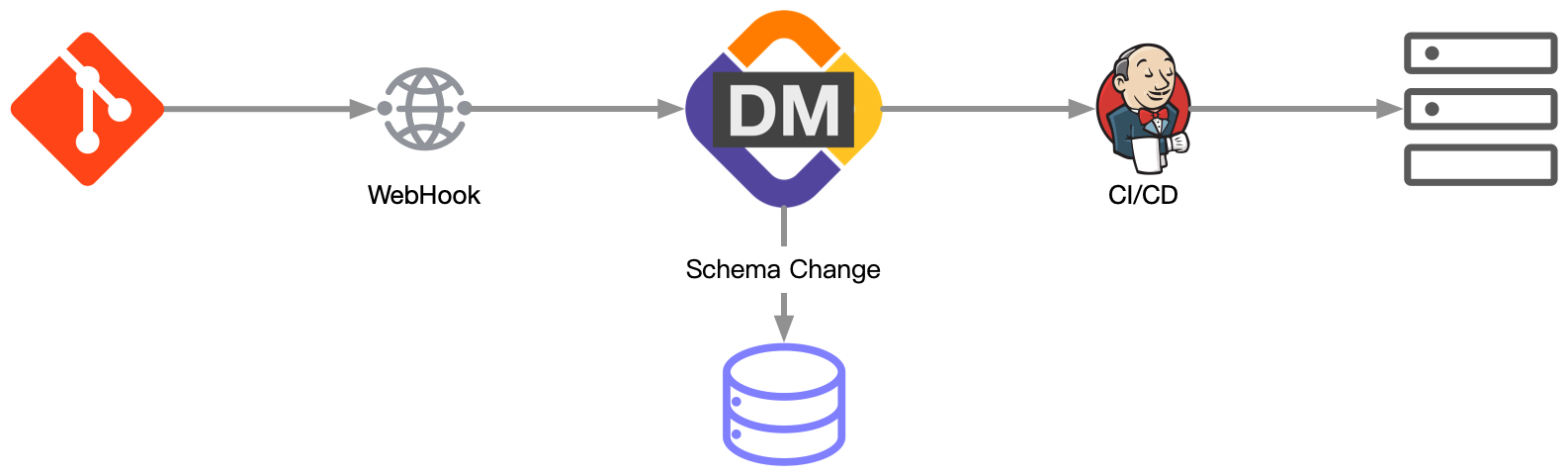
The Git service calls the webhook for the configured push or pull request event. CloudDM checks and processes the new SQL. If you configure a callback, CloudDM notifies the external CI/CD system when execution finishes.
info
See the setup guides for GitLab Self-Managed and Gitee.
Remote trigger
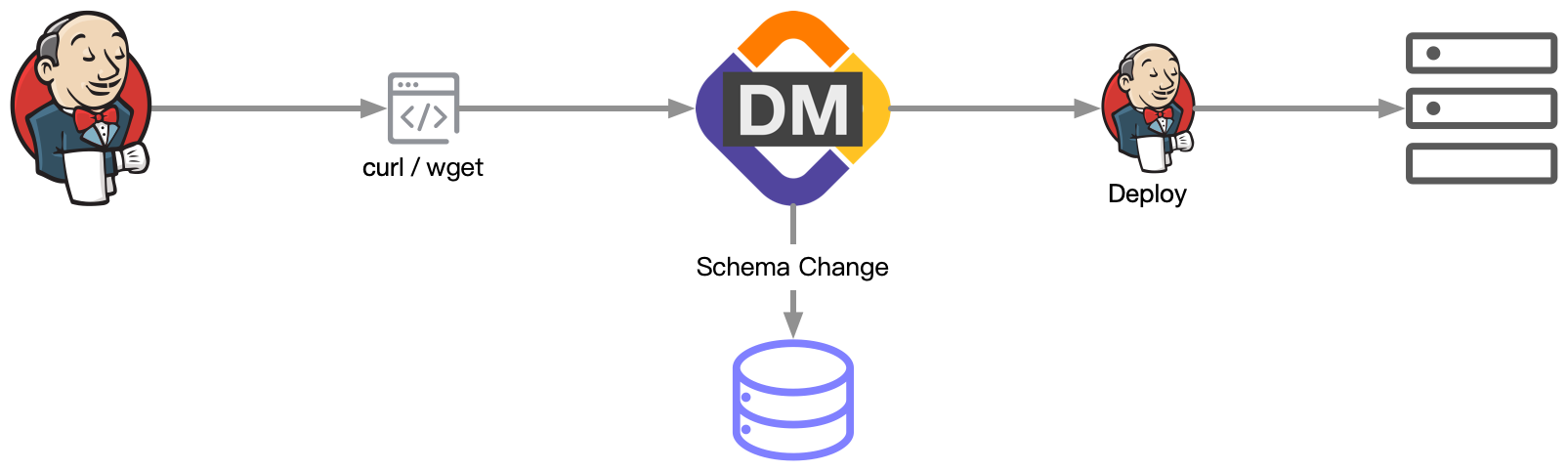
A remote trigger uses an HTTP request to start a change from a script or an existing CI/CD pipeline.
Configure a remote trigger
- Open CI/CD in the sidebar and select the target change flow.
- Open Configuration Items > Trigger Settings and click View Configuration.
- Open the Remote tab and enable the remote trigger.
- Choose HTTP(GET), wget, or curl.
- Choose Text or Json and copy the generated remote trigger address.
- Save the trigger settings.
CloudDM displays the token and the full trigger address. A request to that address makes CloudDM check the flow's repository for new SQL.
Console
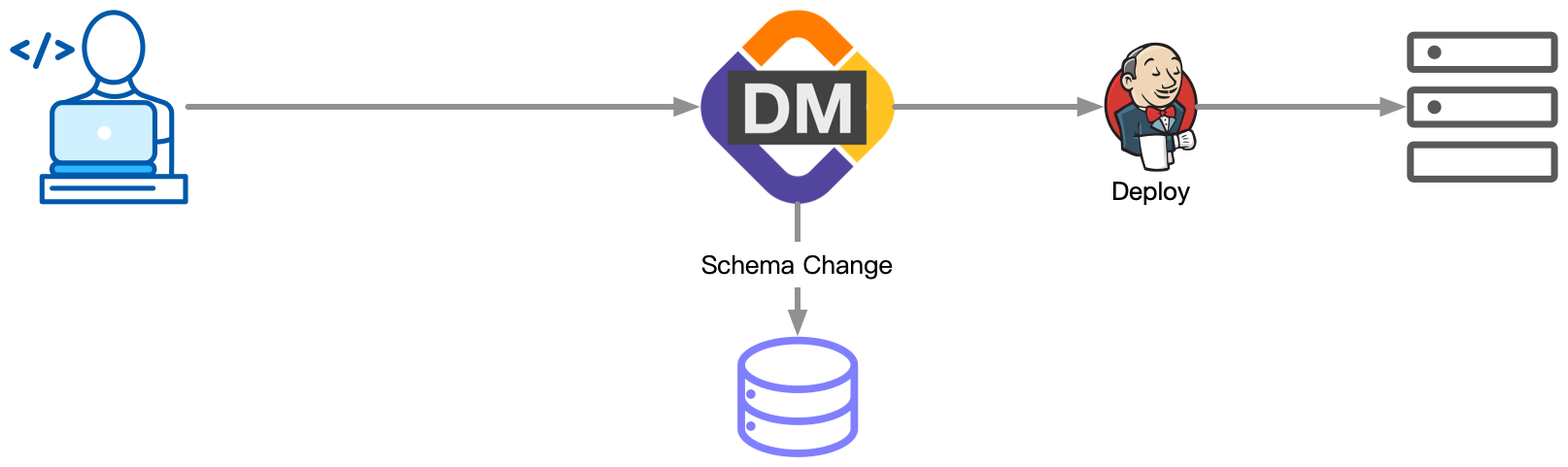
- Sign in to the CloudDM console.
- Open CI/CD in the sidebar.
- Select the target change flow and click Trigger Change.
- Confirm the trigger. CloudDM starts checking and processing new SQL.
- If you configure a callback, CloudDM notifies the external CI/CD system when the change finishes.